Make calls and manage your business from anywhere
Odoo VoIP seamlessly integrates with Odoo apps to achieve maximum productivity at an affordable price.
Use it now - free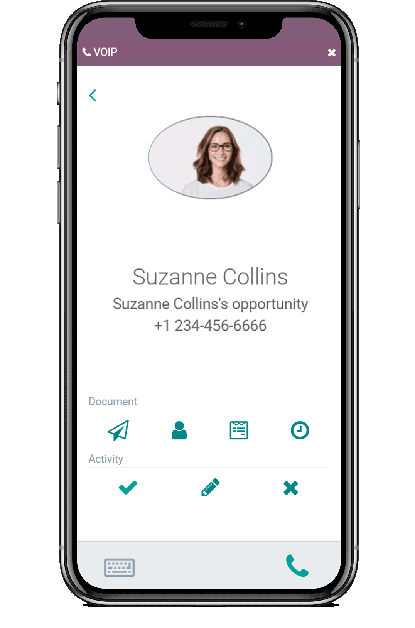
Incoming call pop-ups, call recording, agent assignment, call transfer, and call statistics all in one, with call records automatically archived to CRM, making it easy for foreign trade teams to continuously follow up with overseas customers.
Related solutions:Open Source ERP + Open Source MES Integration · Free Trial
Make calls anytime, anywhere with any device
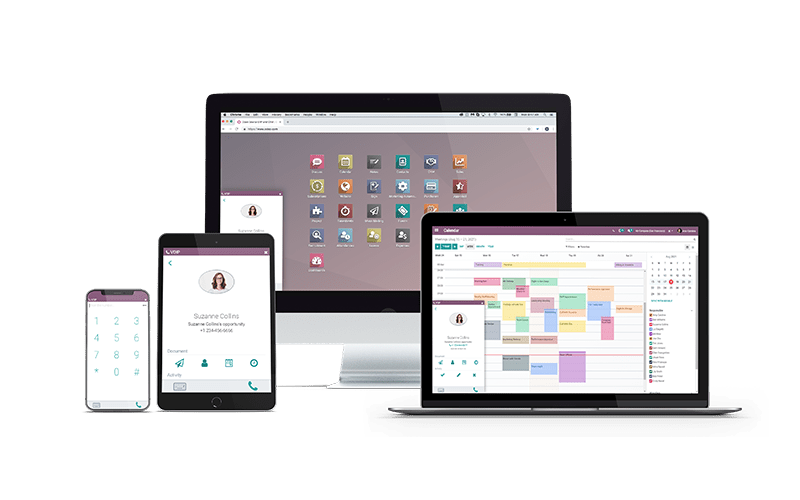
Choose the option that suits you best - your computer, smartphone, tablet, or VoIP phone. You only need an internet connection.
Integration makes work easier, complete everything with a single click
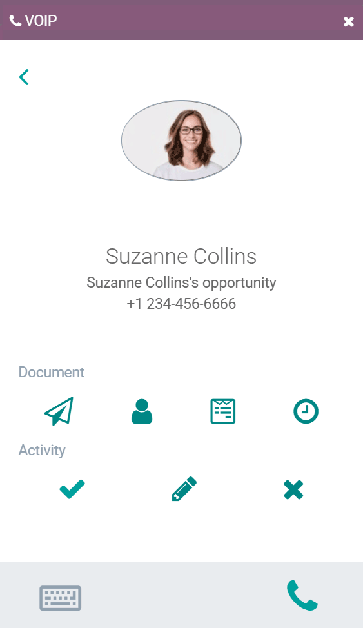
Manage all your contacts in Odoo with just one click. But with the Odoo VoIP widget, you have more options than just calling them. You can send emails, schedule meetings, view their order information or internal team notes, and more!
Odoo VoIP integrates with CRM, Sales, Helpdesk, Invoicing, and other apps, so you can streamline workflows and eliminate tedious manual procedures for your team.
Intuitive icons help you stay in control
The VoIP widget integrates with Odoo apps, so you can work more efficiently without switching tabs or frantically searching for information.
Perform supporting tasks (even during calls)
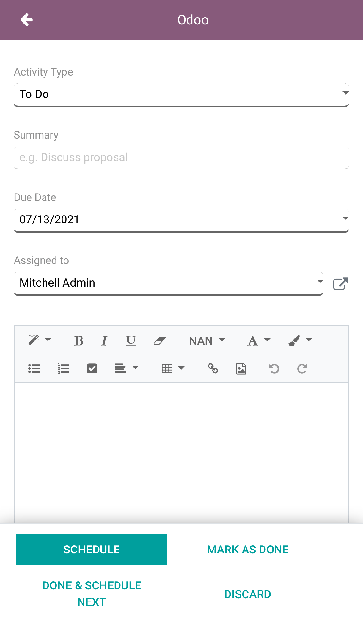
Schedule activities such as calls or meetings, or send emails.
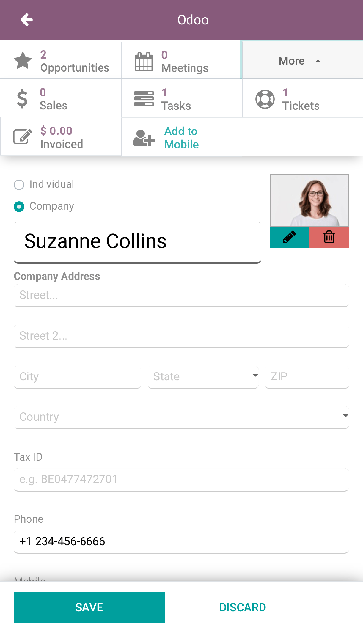
All the information you need is at your fingertips
Open opportunities, support requests, or customer contact forms to view all their information.
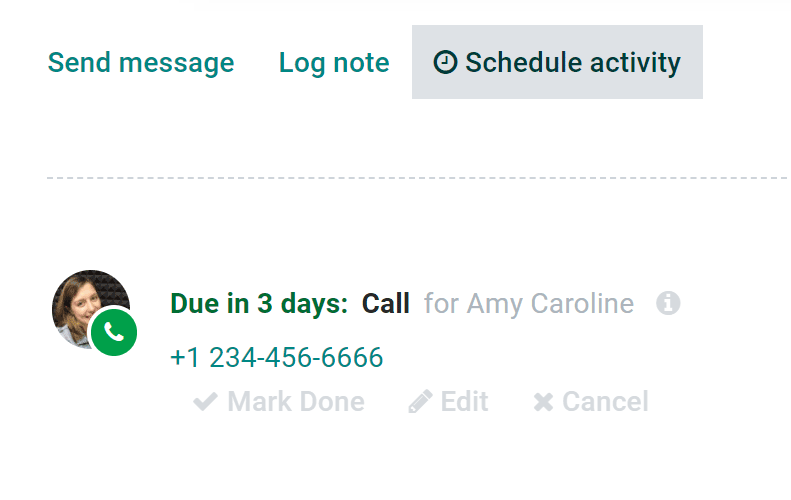
Schedule your calls to stay on track
Create activities from the chat window in any Odoo application.
Odoo VoIP is fully integrated with Odoo, so you can operate in any application to track everything.
Your to-do list just got shorter.
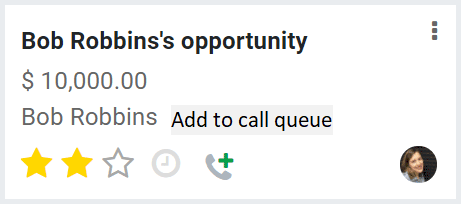
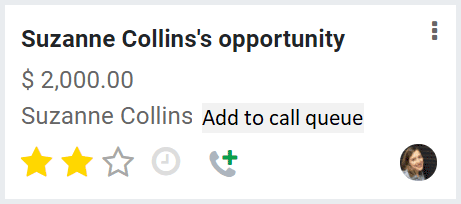
In the CRM application, create a call queue with one click to quickly schedule daily work
With a single click in the kanban view of the CRM list, you can schedule calls for yourself or others in the phone queue. Just hover over your contact card and click to add it to your next activity list.
VoIP Call Center and Open Source ERP: What Can Be Solved
From the perspective of open source ERP, the value of a VoIP call center lies not only in individual features, but in integrating business data, processes, and reports into one.
- Integrated incoming call pop-up, call recording, agent assignment, call transfer, and call statistics
- Call records automatically archived to CRM
- Convenient for foreign trade teams to continuously follow up with overseas customers
Frequently Asked Questions about VoIP Call Center
What kind of enterprises is the VoIP call center suitable for?
Suitable for enterprises that need 'integrated incoming call pop-up, call recording, agent assignment, call transfer, and call statistics', especially teams that want to incorporate the VoIP call center into an open source ERP system and connect it with sales/purchasing/inventory/financial data.
Can the VoIP call center be integrated with other modules of open source ERP?
It can share a single set of data with modules such as sales, purchase, inventory, production, finance, and customer service, reducing duplicate entry; the specific integration scope is configured according to business scenarios during the implementation phase.
How to start using the VoIP call center?
Free trial is supported. OdooAi provides requirement analysis, implementation and go-live, training, and secondary development, covering integrated industry and trade and cross-border compliance scenarios.
Related solutions:Open Source ERP + Open Source MES Integration · Free Trial
 Happy