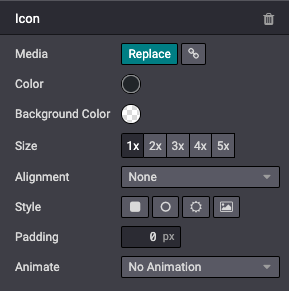
媒体
本章将介绍如何在 Odoo 中包含图像、视频或图标等媒体元素。
图像
将图像记录在数据库中,稍后在设计/代码中使用它们。最终用户也可以通过 媒体对话框 使用这些图像。
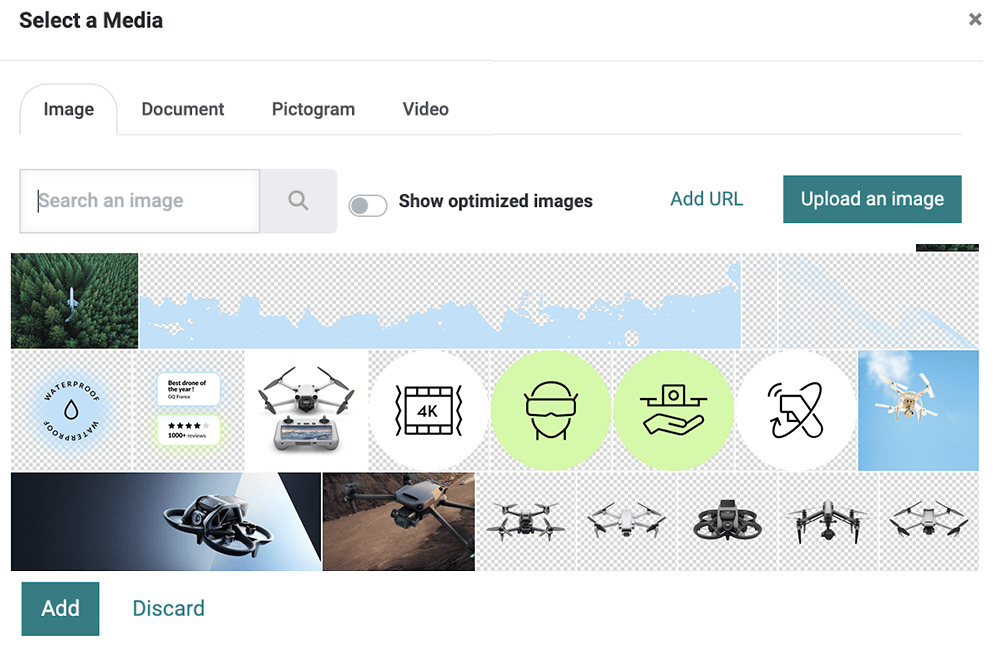
网站构建器支持以下图像文件格式:JPG、GIF、PNG 和 SVG。
Warning
网站构建器提供的某些选项仅适用于已注册到记录中的媒体。如果您直接使用相对路径从模块文件夹添加图像,可能看不到某些选项。
声明
要在代码中使用图像,并让它们包含在构建器的图库中(以便客户可以重复使用),请按如下方式声明它们:
/website_airproof/data/images.xml¶<record id="img_about_01" model="ir.attachment">
<field name="name">About Image 01</field>
<field name="datas" type="base64" file="website_airproof/static/src/img/content/img_about_01.jpg"/>
<field name="res_model">ir.ui.view</field>
<field name="public" eval="True"/>
</record>
字段 |
说明 |
|---|---|
id |
在代码中使用的图像名称 |
name |
图像的描述性名称 |
datas |
图像的位置 |
使用
常规图像
在 xml 模板中,按如下方式调用图像:
<img src="/web/image/website_airproof.img_about_01" alt=""/>
其中 img_about_01 是您为图像指定的 id。
背景图像
<section style="background-image: url('/web/image/website_airproof.img_about_01');">
公司徽标
公司徽标的使用略有不同。首先在 images.xml 库中声明它,然后使用正确的模板调用它。例如,要在页眉中调用,我们将使用 <t t-call="website.placeholder_header_brand">。
/website_airproof/data/images.xml¶<record id="website.default_website" model="website">
<field name="logo" type="base64" file="website_airproof/static/src/img/content/logo.png"/>
</record>
Tip
为了确保图像不会拖慢网页速度或占用过多空间,请尽量遵循以下几点:
体积:< 200Kb。
尺寸:如非必要,不超过 1500px。
扩展名:使用 svg 或 jpg、png 或 gif。
名称:不含空格、重音符号或特殊字符,并用短横线分隔单词。尽可能使用相关词语。
大于 1920px 的图像会被网站构建器大幅压缩。如果小于 1920px,则会保持原样。
视频
将视频添加为背景。
<section class="o_background_video" data-bg-video-src="...">
    <!-- Content -->
</section>
属性 |
说明 |
|---|---|
data-bg-video-src |
视频 URL。 |
将视频添加为内容。
<div class="media_iframe_video" data-oe-expression="...">
<div class="css_editable_mode_display"> </div>
<div class="media_iframe_video_size" contenteditable="false"> </div>
<iframe src="..."
frameborder="0"
contenteditable="false"
allowfullscreen="allowfullscreen"/>
</div>
属性 |
说明 |
|---|---|
data-oe-expression |
视频 URL。 |
src |
视频 URL。 |
图标
默认情况下,网站构建器中已包含 Font Awesome 图标库。您可以使用 CSS 前缀 fa 和图标名称在任何位置放置图标。Font Awesome 设计用于内联元素。为简洁起见,您可以使用 <i> 标签,但使用 <span> 在语义上更正确。
<span class="fa fa-picture-o"/>
启用网站构建器样式选项。
<span class="fa fa-2x fa-picture-o rounded-circle"/>
增大图标尺寸(fa-2x、fa-3x、fa-4x 或 fa-5x 类)。
<span class="fa fa-2x fa-picture-o"/>