招聘职位报告
招聘职位报告 应用程序显示在 HR 薪酬中员工数量,并允许在多个时间段之间进行招聘职位比较。
创建招聘职位报告
创建招聘职位报告,以查看特定时间招聘职位数量或 across periods 进行职位数量比较。
导航至 并点击 新建 。
报告名称:自动生成,如
招聘职位 (公司名称) 在 (YYYY-MM-DD), 不能 修改。公司 :自动填充(单公司数据库和多公司数据库)
从/至 日期:默认为当前日期(从)和空白(到)。 调整这些以定义要分析的期间。
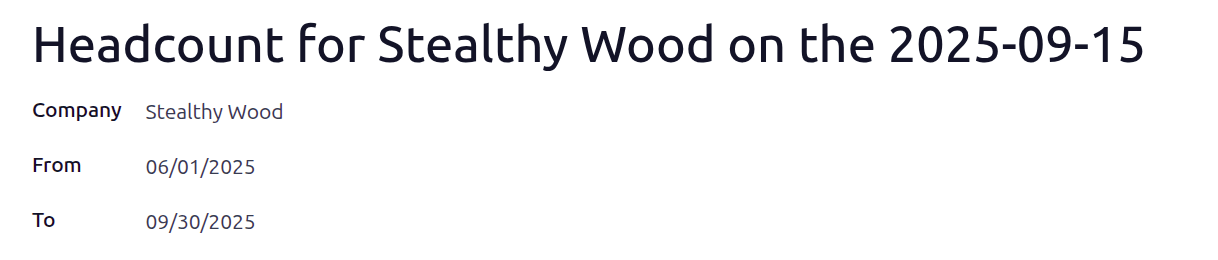
下一步,点击 填充 以生成报告。
在表顶部,会出现一个 员工 智能按钮。点击该按钮可查看所选期间员工总数。
查看招聘职位报告
See how the company headcount has changed over time by viewing all headcount reports in a list view.
To view all headcount reports, navigate to .
View employees in a headcount
TO get an overall view of employees and their salary impact on the company, view all employee records of a specific headcount report.
To view the employees of a specific headcount report, click the Employees smart button at the top of a headcount report.
All employees from the headcount appear in a list view, grouped by Department.
Employee: the employee’s full name
Department: the department their job position is in
Job Title: their role
Employer Cost: how much the company pays the employee each pay-period
Wage on Payroll: the dollar amount on payroll reports
