交叉销售与关联销售
交叉销售
可选产品
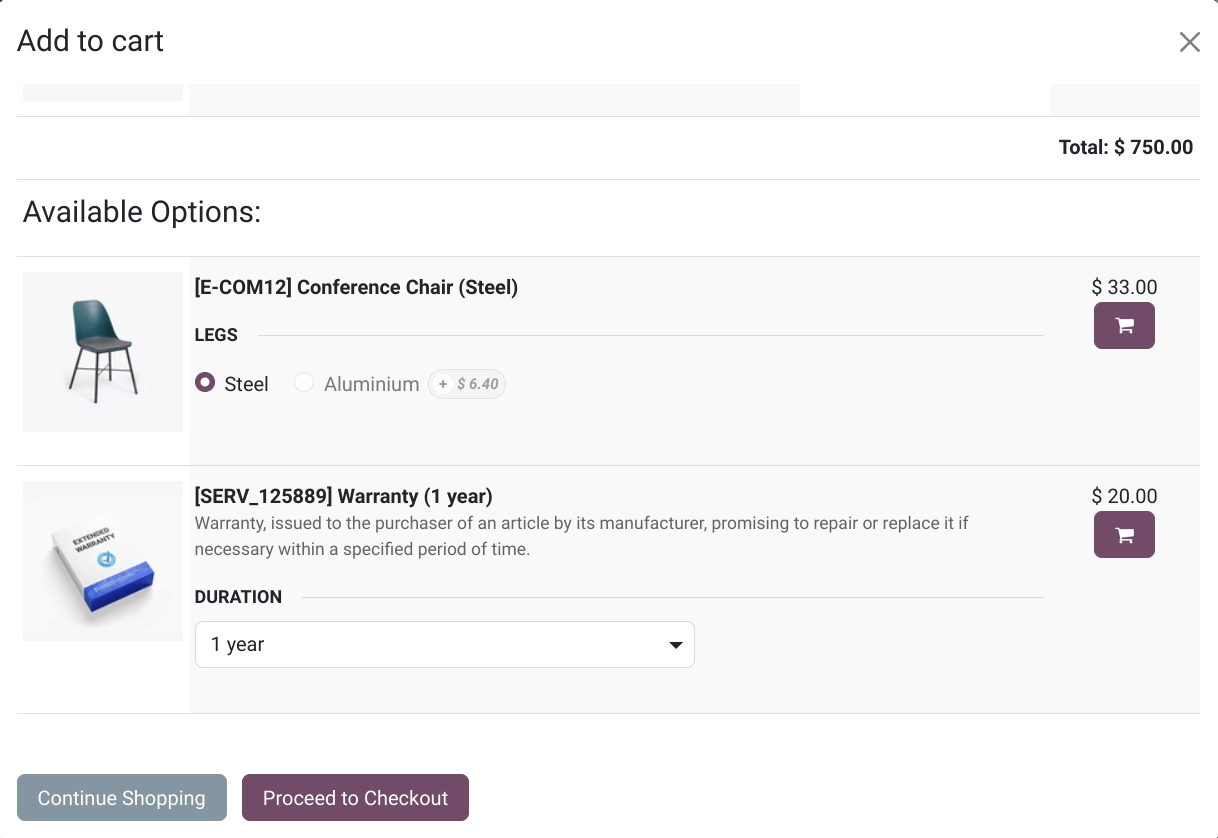
可选产品 是在客户选择产品并点击 添加到购物车 时建议的。
启用 可选产品,请转到 ,选择产品,转到 销售 选项卡,并输入您希望在 可选产品 字段中显示的产品。
配件产品
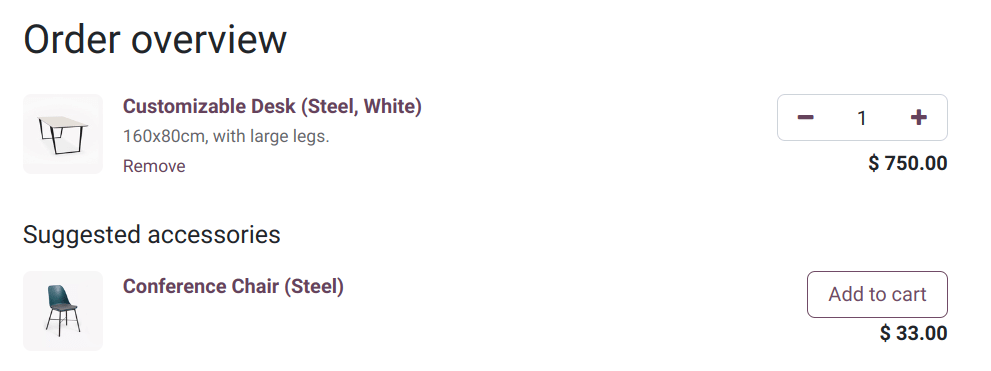
Accessory products are showcased in the Suggested Accessories section during the Review Order step, just before proceeding to checkout.
To enable accessory products, go to , select a product, go to the Sales tab, and enter the products you wish to feature in the Accessory Products field.
加售
You can display alternative products at the bottom of the product page as an upselling technique, encouraging customers to consider a more expensive variant or product than their initial choice by presenting appealing alternatives.
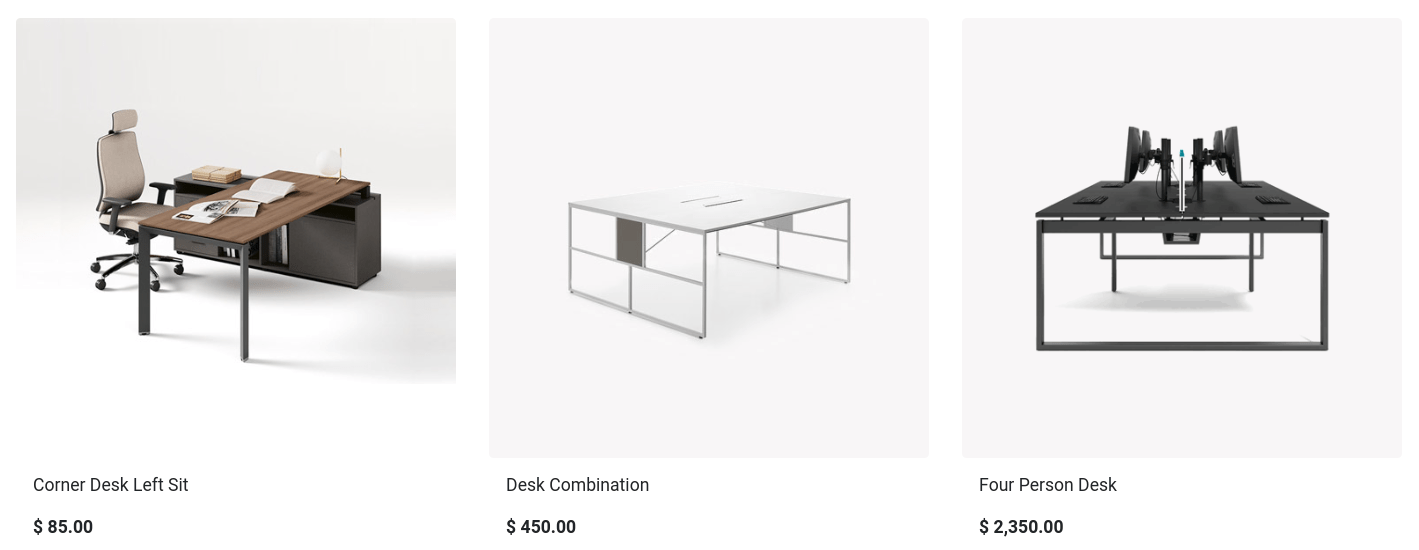
To enable alternative products, navigate to , select the desired product, and go to the Sales tab. In the Alternative Products field, add the products you want to feature.
Click Go to Website to view the alternative products displayed at the bottom of the product page.
To adjust the settings, click Edit and select the related building block. In the Customize tab, scroll to the Alternative Products section and modify the settings as needed to tailor the display to your preferences.
